
A FRESH TAKE ON YOUR PHOTOS
Your photo.
A new pose.
Try a different pose in a photo you already have. Pick a template or bring your own reference, and let AI explore the possibilities.
Get PoseGo for iPhoneiOS 17 or later · In-app purchases
Available in the U.S., Canada and Australia.
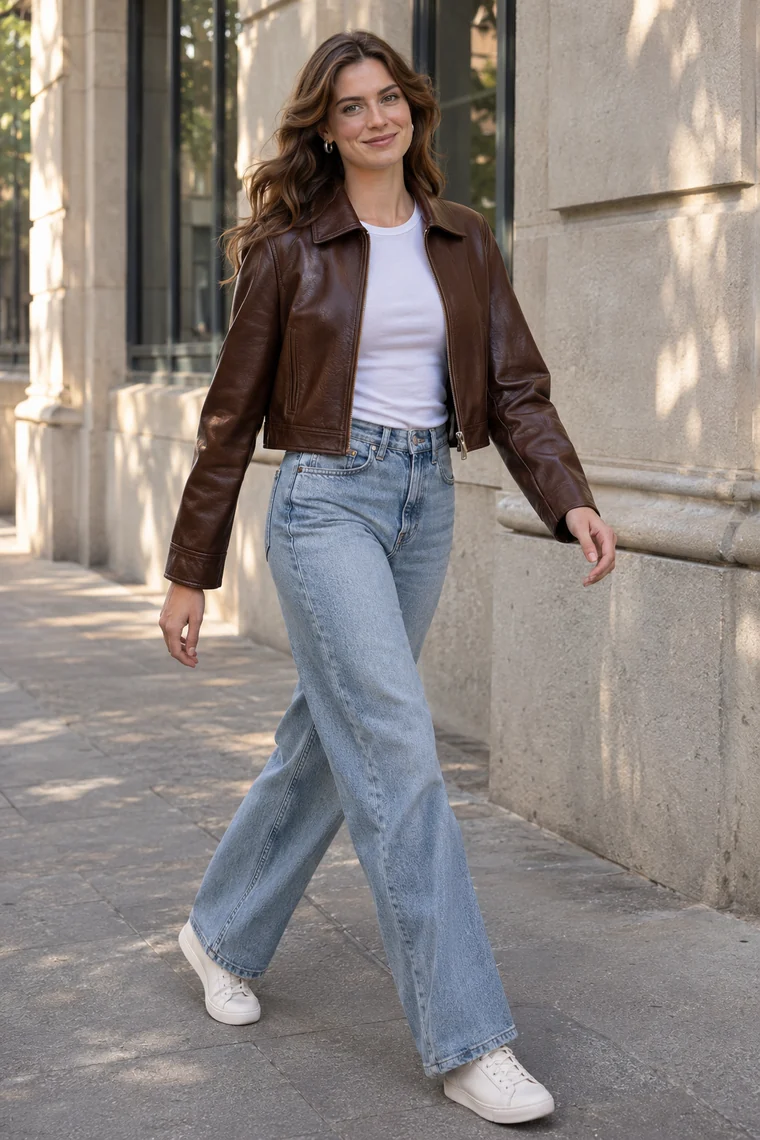 A little inspiration.
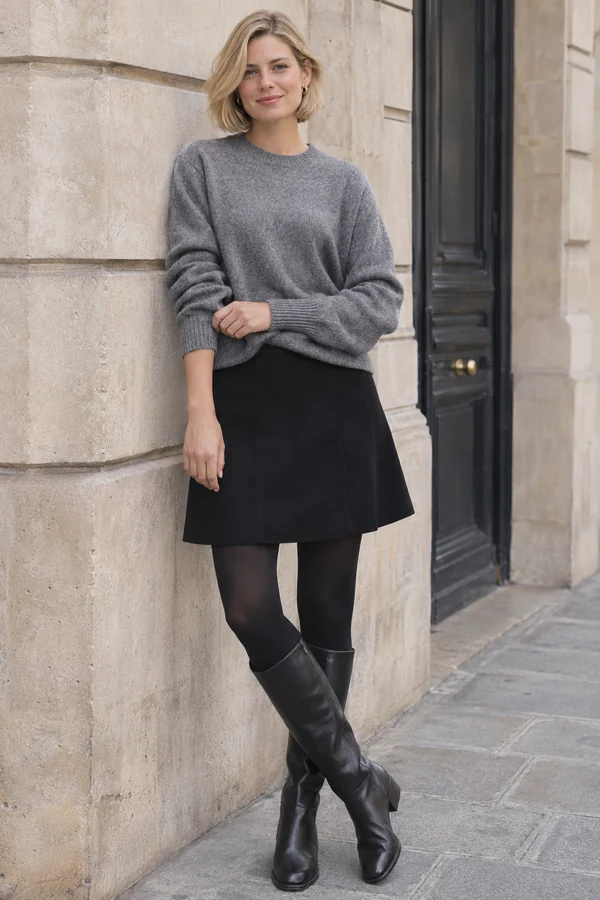 Your next pose?
FROM INSPIRATION TO AN EDIT
Start with a pose
you want to try.
Find your reference
Explore the pose library or add your own reference image. Save favorites for another day.
Add your photo
Choose an authorized adult photo, review the credit cost, and confirm your AI edit.
Make it yours
Review the result alongside your original. Save the photo you like or share it from the app.
YOUR OWN POINT OF VIEW
Find a pose.
Keep the inspiration.
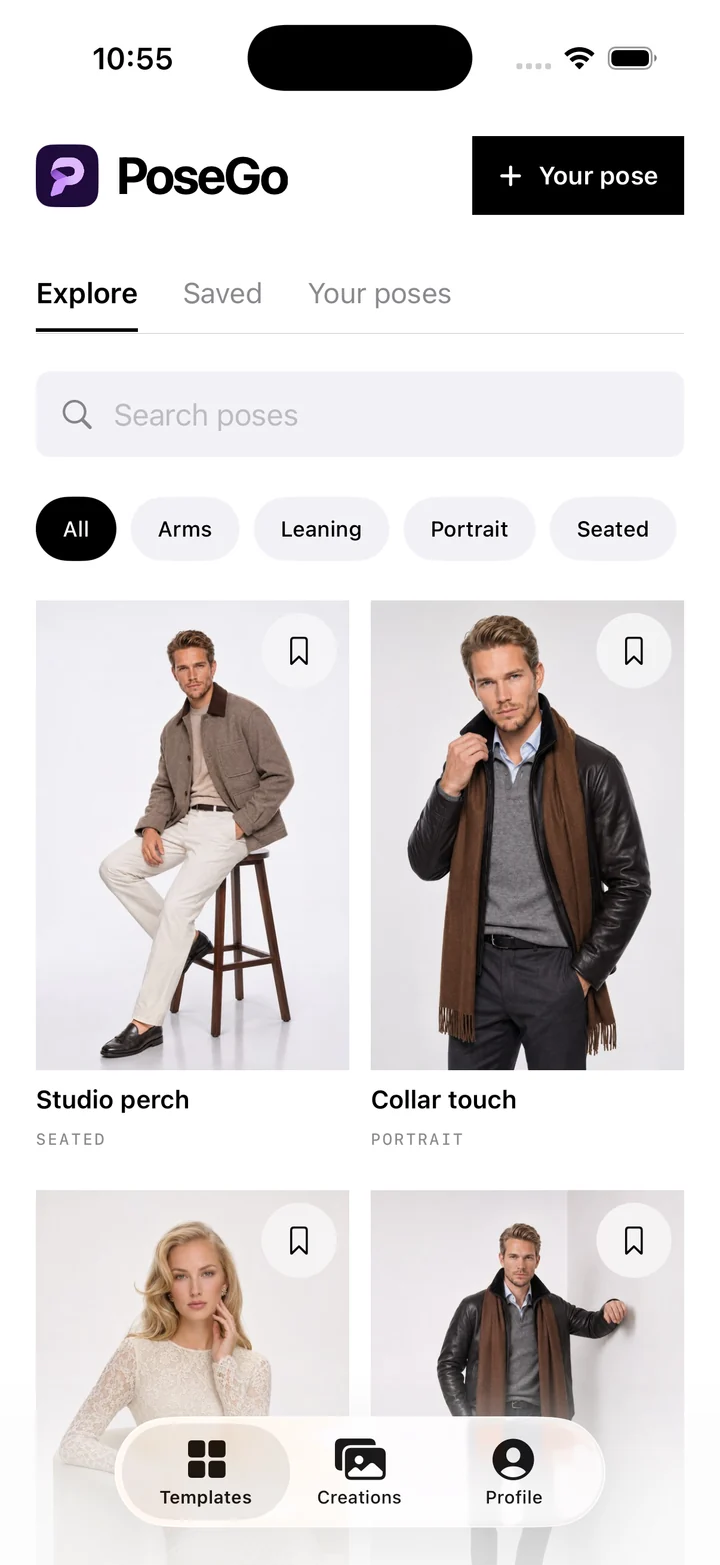
A relaxed stance. A seated portrait. A reference you saved because it felt like you. Start with the pose, then explore it in your own photo.
A library to explore
Browse poses and narrow your search by category.
Your references, too
Add your own images as pose references, ready when inspiration strikes.
Favorites worth keeping
Bookmark the poses you want to come back to.
AI edits can change facial details, anatomy, clothing and backgrounds. Results vary—review each image before sharing.
MAKE YOUR FIRST EDIT COUNT
Start with a useful guide.
Change a pose in a photo you already have.
A photo can have the outfit and setting you like, while the pose feels unfinished. PoseGo lets you try an AI pose edit using that existing photo and a pose template or your own reference.
Read the guide ↗Bring your own pose reference.
A custom pose reference gives you a specific posture to explore. In PoseGo, you can save an image in Your poses and use it with an original photo to create an AI edit.
Read the guide ↗Three ways to rethink a portrait pose.
A useful pose idea is more than a silhouette. Notice the weight, the hands and the point of support. These three starting points can help you choose a reference for a portrait or an AI photo edit.
Read the guide ↗BEFORE YOUR FIRST EDIT
A few things to know.
Does PoseGo change the pose in an existing photo?
Yes. Choose your photo and a pose template or personal reference. PoseGo uses cloud AI processing to create an edited image. It is not a live camera pose overlay, and exact results are not guaranteed.
Can I use my own pose reference?
Yes. You can add and save a personal reference image in the app. Use photos of adults that you have permission to use, including permission from the people pictured.
How do credits and purchases work?
AI edits use credits. The app shows the credit cost before you confirm, and purchase options use Apple's in-app purchase flow. Check the app for currently available packs, plans and local prices. Downloading the app does not include unlimited free edits.
What happens to my photos?
Generation needs an internet connection and your consent to cloud AI processing. Cloud copies of uploaded originals and references expire after seven days; generated images expire seven days after creation. Save results you want to keep. Private references saved on your device follow different retention rules. Read the privacy policy for details.
Where can I get help?
Visit PoseGo Support for account, generation and purchase questions. If a purchase needs attention, include the relevant transaction reference, but never send your password or payment-card details.
SEE WHERE A NEW POSE TAKES YOU
Give that photo
another possibility.
AI photo editing · Pose references · iPhone