
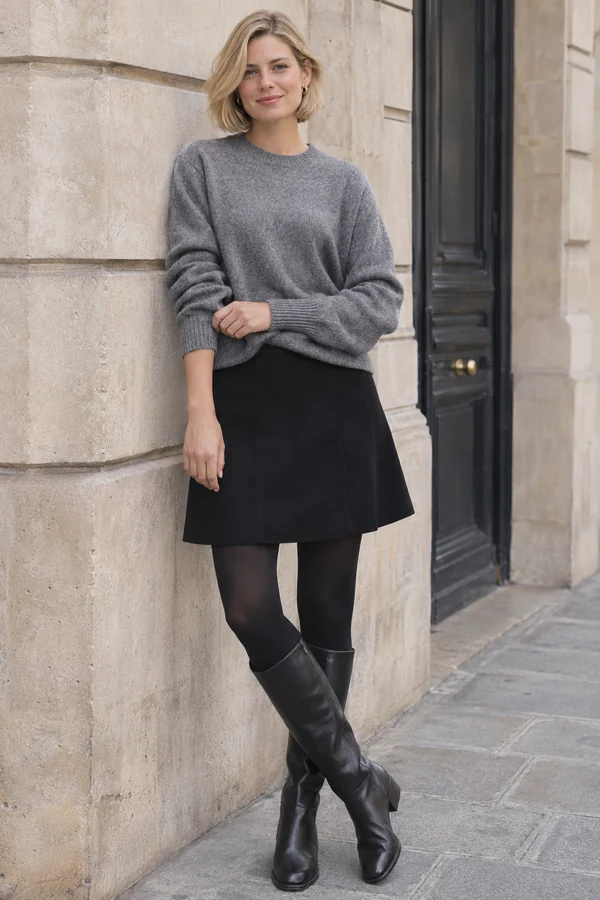
See an actual editing result
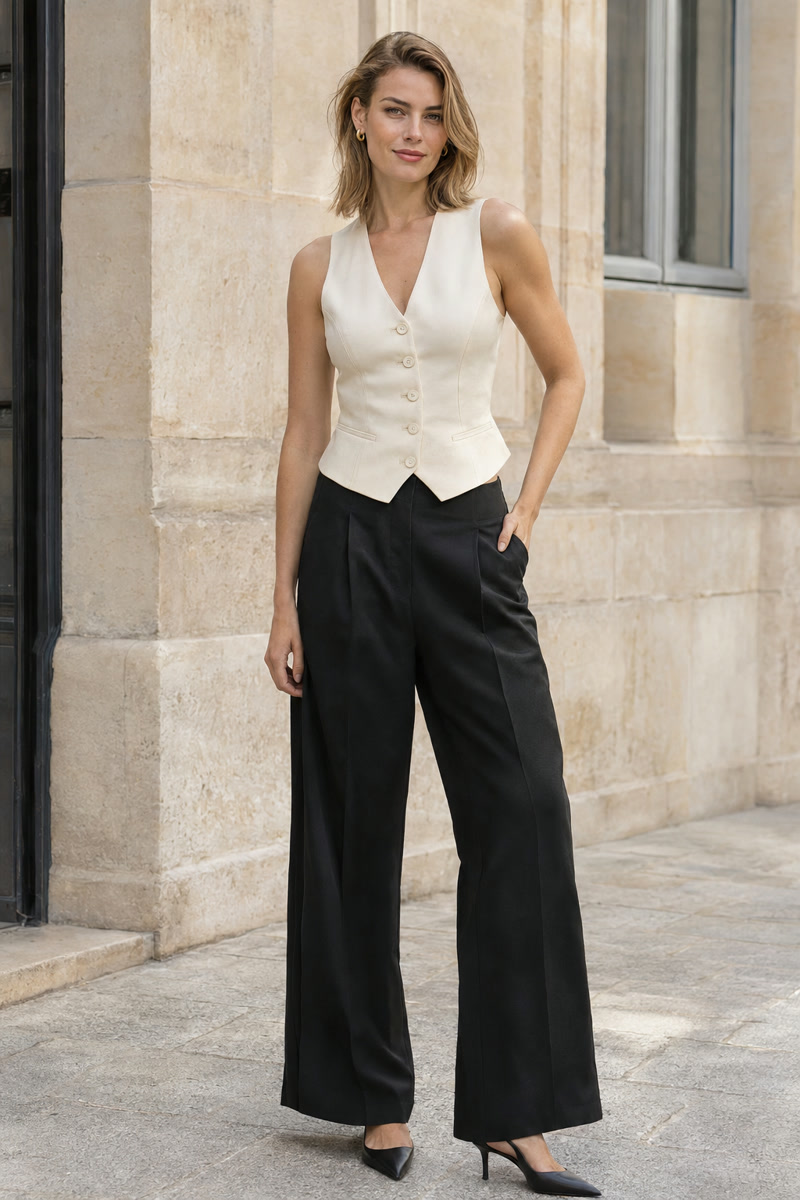
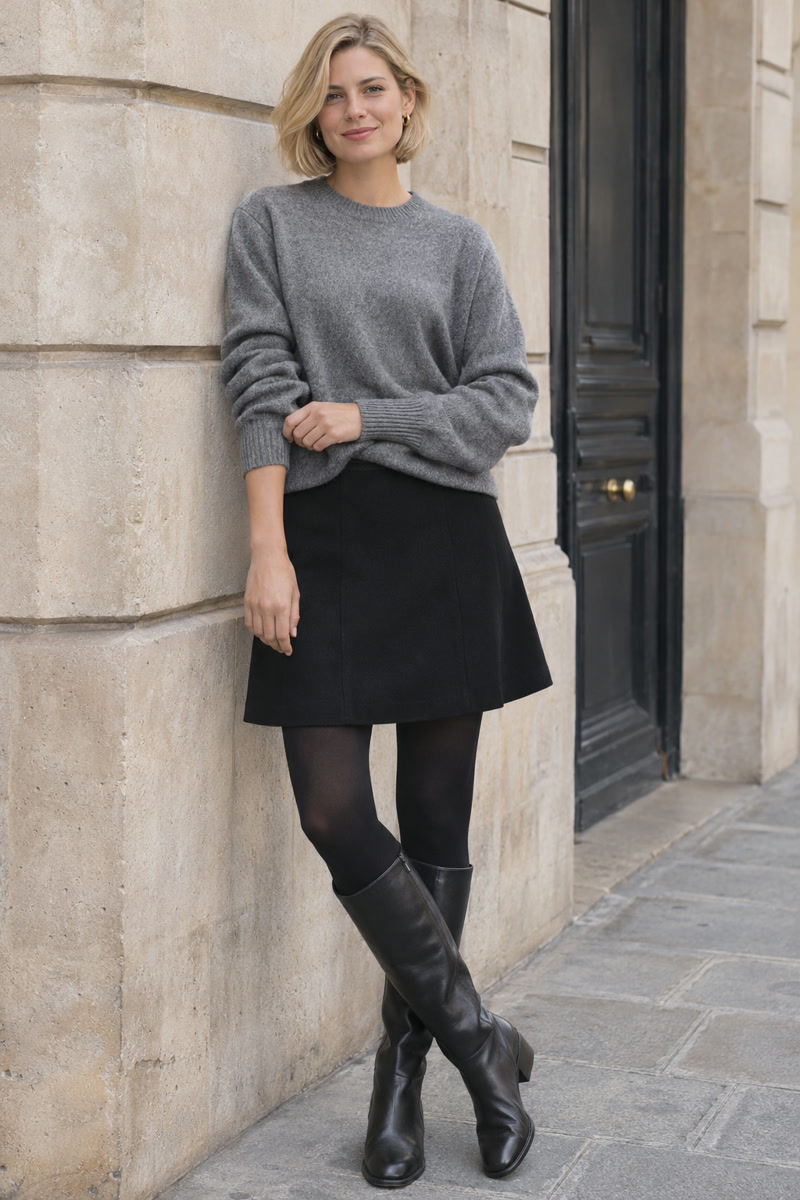
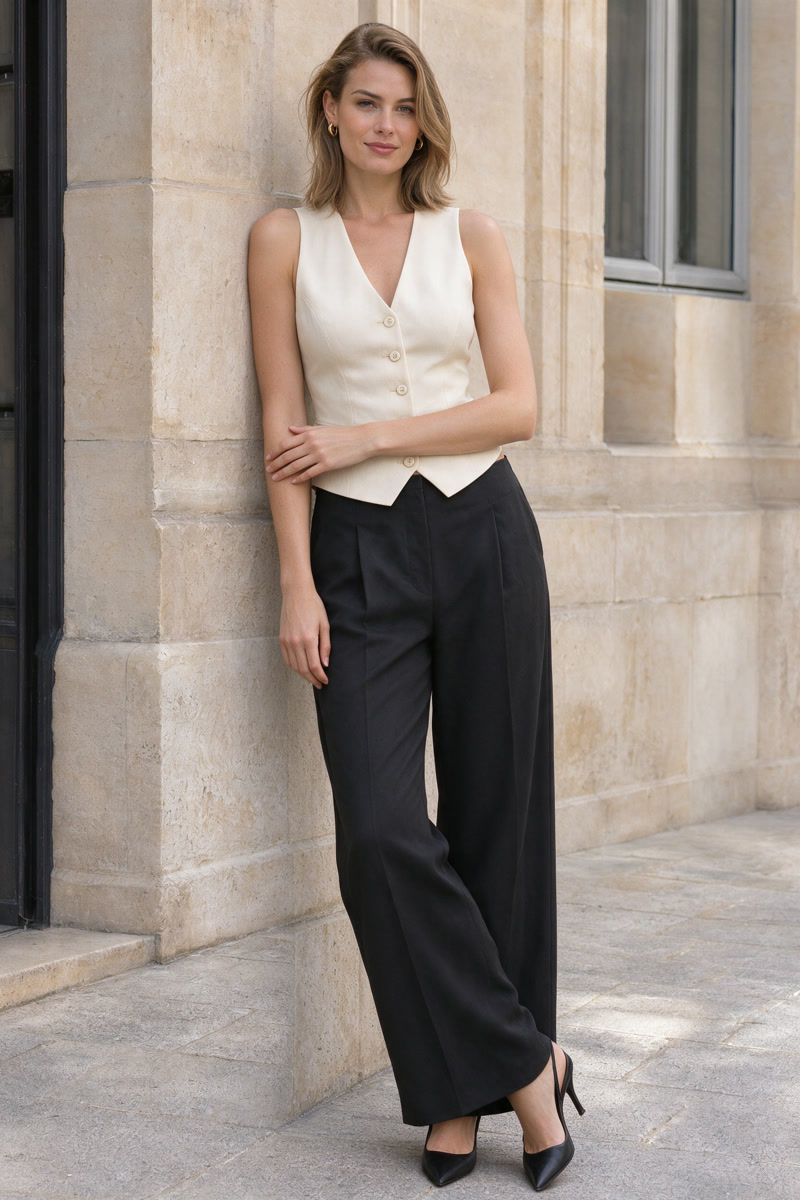
The edit explores the crossed-leg, leaning pose. Facial details, framing and folds still differ from the original.
These fictional adult example inputs were created with AI. The result is an actual generation made using the same editing model and prompt as PoseGo, not a retouched mockup or an app screen recording. Review every result; exact pose or appearance preservation is not guaranteed.
Choose a reference you can read
Look for a reference where the torso, arms and legs are easy to distinguish. Check which leg carries the weight, where the hands rest, how far the shoulders turn and whether the body is supported by a chair, wall or rail.
A heavily cropped image or a pose with overlapping limbs can make the intended position less clear. For your first edit, choose a simple standing or seated pose with visible contact points. If the photo you want to edit is framed tightly, start with a reference that fits a similar framing.
Use your own photographs, or images you have permission to use for AI editing. A picture being publicly visible online does not by itself establish that permission.
Use Your poses
- Open Templates. Switch to Your poses and add the reference image you want to use.
- Choose that reference. Pair it with an original photo of an adult who has agreed to the edit.
- Check the credit cost. Confirm the app's displayed cost and consent to cloud AI processing before generating.
- Compare the result. Review the generated image against both the original photo and the intended reference.
- Keep what works. Save your favorite result, and keep the reference ready for a later idea.
Private references saved on your device have different retention behavior from the cloud copies used for a generation. Review the privacy policy before your first edit.
A pose guide, with room for variation
The reference communicates the body position you want to explore. It is not a guarantee that every joint, expression, outfit detail or background will be reproduced exactly.
AI can introduce differences in the original person's appearance and scene as well. Treat the result as a candidate to review, rather than an automatic final image. If you want a smaller visual change, a reference closer to the original posture is a reasonable place to start.
One change at a time: compare a standing photo with another standing reference before trying a seated pose that needs a new support. This makes it easier to see which parts of the edit work for your photo.
A short review checklist
- Does the torso turn in the direction you intended?
- Are the hands and feet plausible and comfortably placed?
- Does the body meet the chair, ground or wall naturally?
- Are the face, outfit and scene acceptable to you?
- Have you saved the finished image you want to keep?
For the full input-to-result process, read how to change a pose in an existing photo. If you are choosing between a relaxed stance and a seated portrait, start with these pose ideas.
The introductory photo is AI-created reference inspiration. The three-panel example above separately labels its actual AI-edited result. Outputs vary, and edits use credits.