
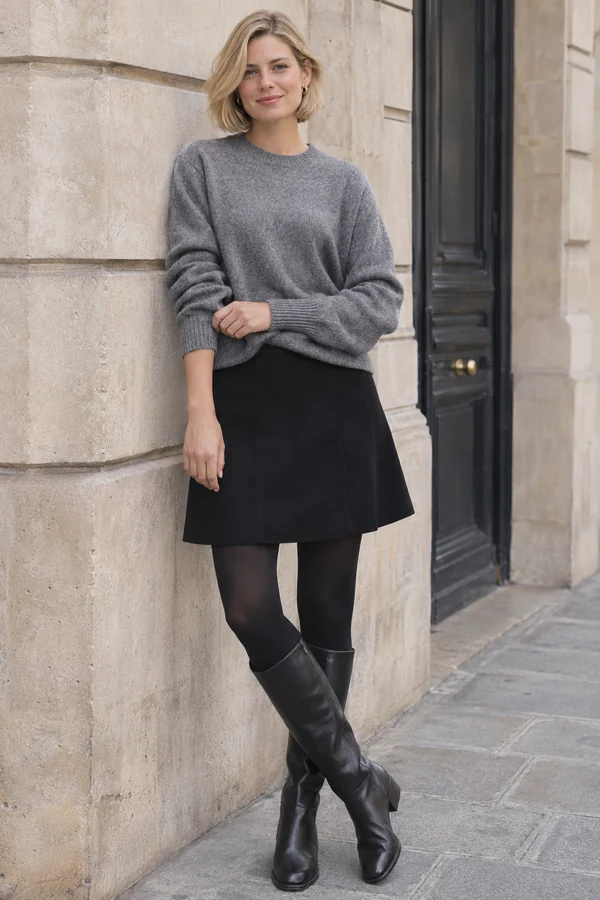
See an actual editing result
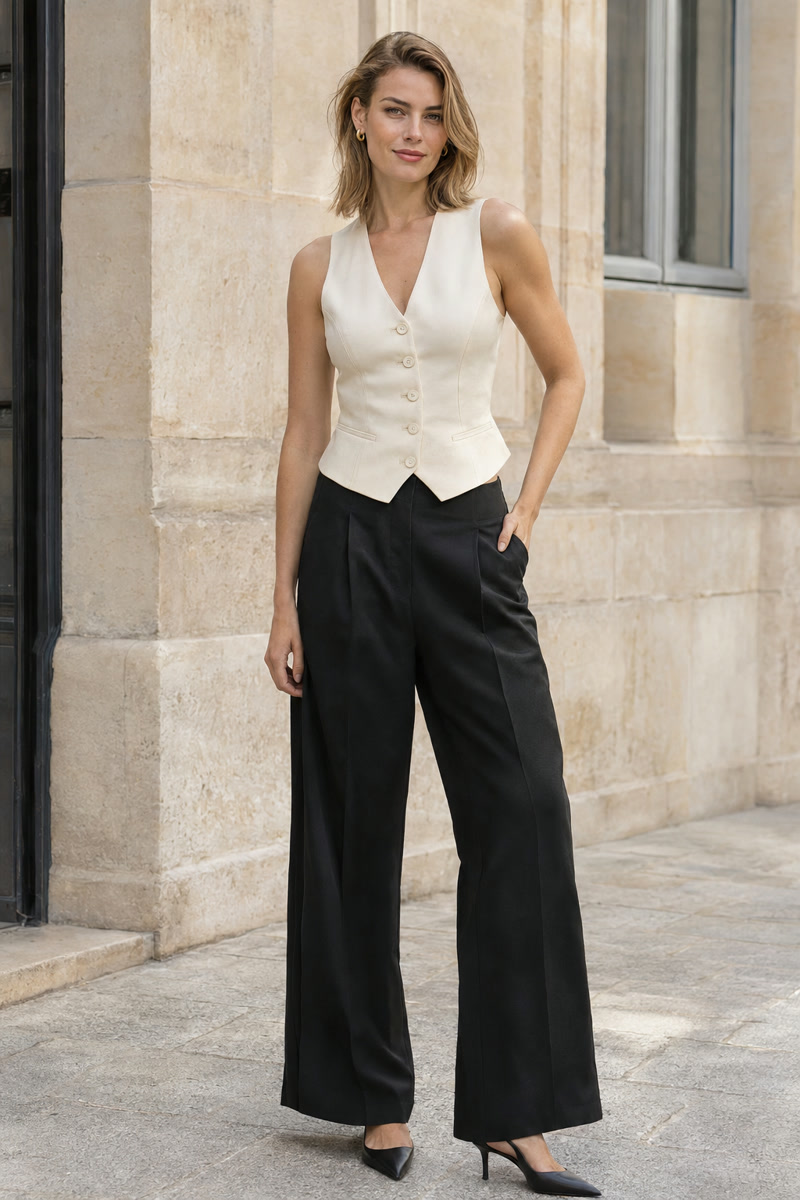
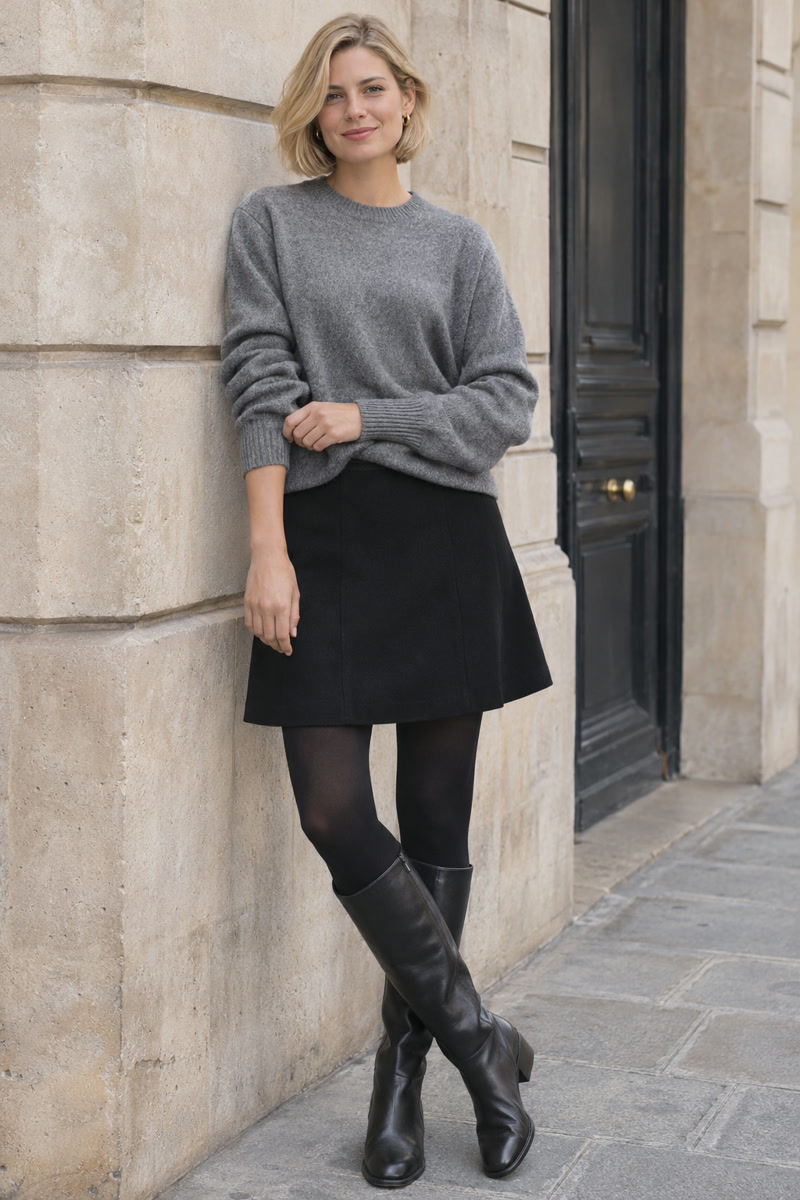
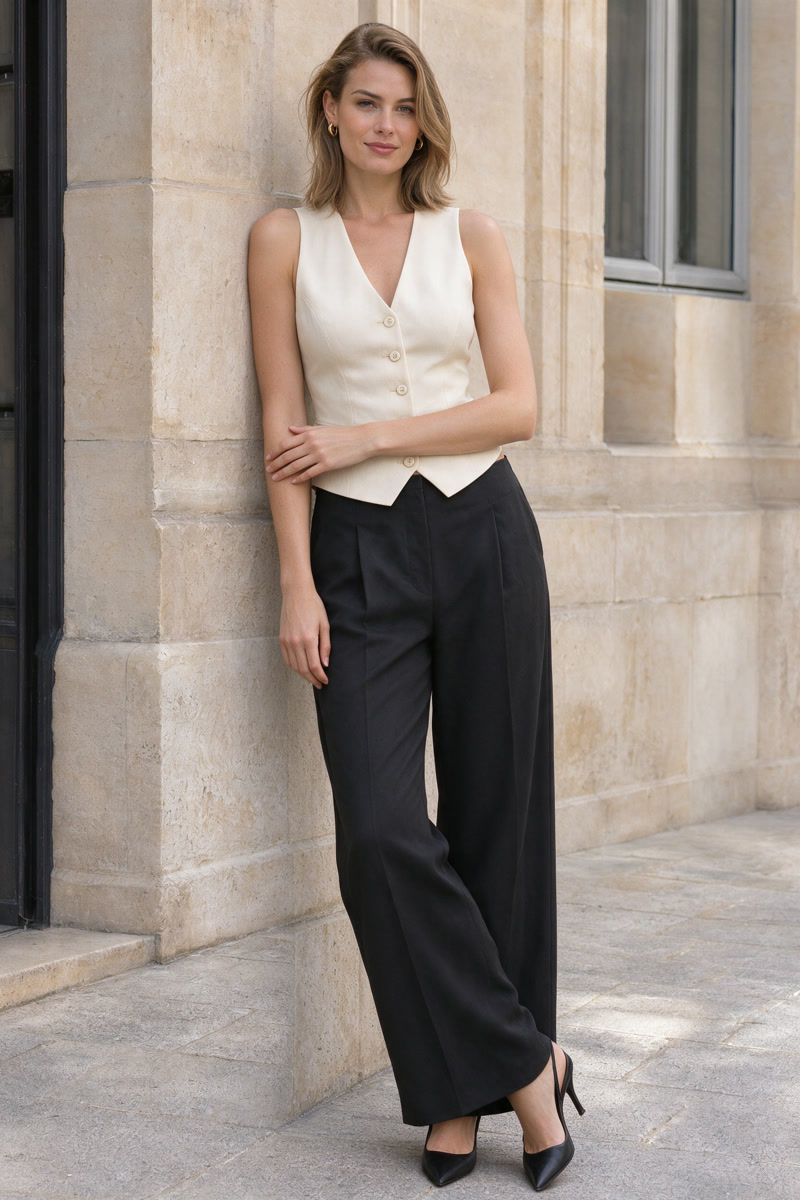
The edit explores the crossed-leg, leaning pose. Facial details, framing and folds still differ from the original.
These fictional adult example inputs were created with AI. The result is an actual generation made using the same editing model and prompt as PoseGo, not a retouched mockup or an app screen recording. Review every result; exact pose or appearance preservation is not guaranteed.
1. A relaxed standing pose
Start with a stable stance and a slight shift of weight. Look at how the shoulders and hips face the camera, whether the knees are straight or softly bent, and where each hand has somewhere natural to rest.
When choosing a reference, make sure the feet are visible if their placement matters to the composition. A small turn can read very differently from a straight-on stance, even without a dramatic arm movement.
For an existing photo: a standing reference with a similar framing is a practical starting point. Compare the new posture with the original before trying a larger change.
2. A seated portrait
A chair or stool gives the pose a clear support. Pay attention to where the body sits, which foot reaches the ground and whether the hands rest on the lap, thigh or seat. A reference with visible supports makes the intended body position easier to understand.
A seated pose can feel compact or open depending on the camera angle and leg placement. Avoid selecting a reference only for its outfit: check whether the actual body position is what you want.
For an AI edit: changing a standing photo to a seated pose may require the model to introduce or change a support. Review contact points, leg proportions and the scene carefully.
3. A gentle lean
A wall or railing can give the shoulders, hands or hip a resting point. Look for a clear connection between the person and the surface. Check the weight-bearing foot and how the other leg balances the composition.
A lean does not need to be extreme to look different. Start with a reference where the support is easy to see and the arms are not hidden behind the torso.
For an existing photo: consider whether the scene already has a suitable surface. If the AI introduces a support, check that it belongs in the scene and connects naturally.
Turn inspiration into a reference
Choose the pose for its geometry rather than expecting to copy the reference person's identity or outfit. Use an image you have permission to edit with, including permission from the people pictured.
PoseGo lets you browse templates, save favorites and add personal references in Your poses. You can then pair a reference with an original adult photo, confirm the credit cost and cloud-processing consent, and review the AI-generated edit.
Read the custom reference guide to prepare an image, or follow the existing-photo editing workflow from start to finish.
Keep the result honest: AI can change facial details, clothing, anatomy and backgrounds. Review the finished image before sharing it. The introductory photo is AI-created inspiration; the labeled comparison above shows an actual AI-edited result.